Installing a Map
File Preparation
You have a map in the form of a Zip archive, ready to be installed in the game.
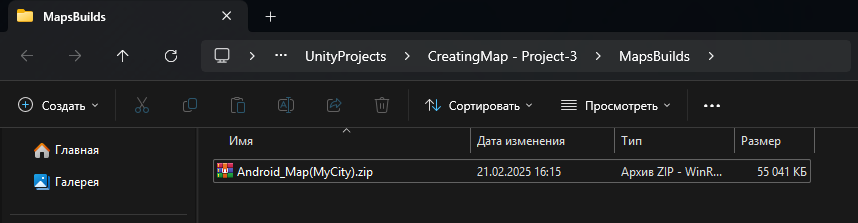
Move the archive to your mobile device in a convenient location and launch the game.
Installing the Map
Launch the game and select Maps → More → Select Zip.
In the window that appears, locate and choose the desired Zip archive.
After selection, the map will be automatically installed, and you will receive a corresponding notification.
If the map does not install, it means an error has occurred. Check that the map settings are correctly configured and that the archive contains the Resource, Scene, and map.xml files. More about configuring map settings.
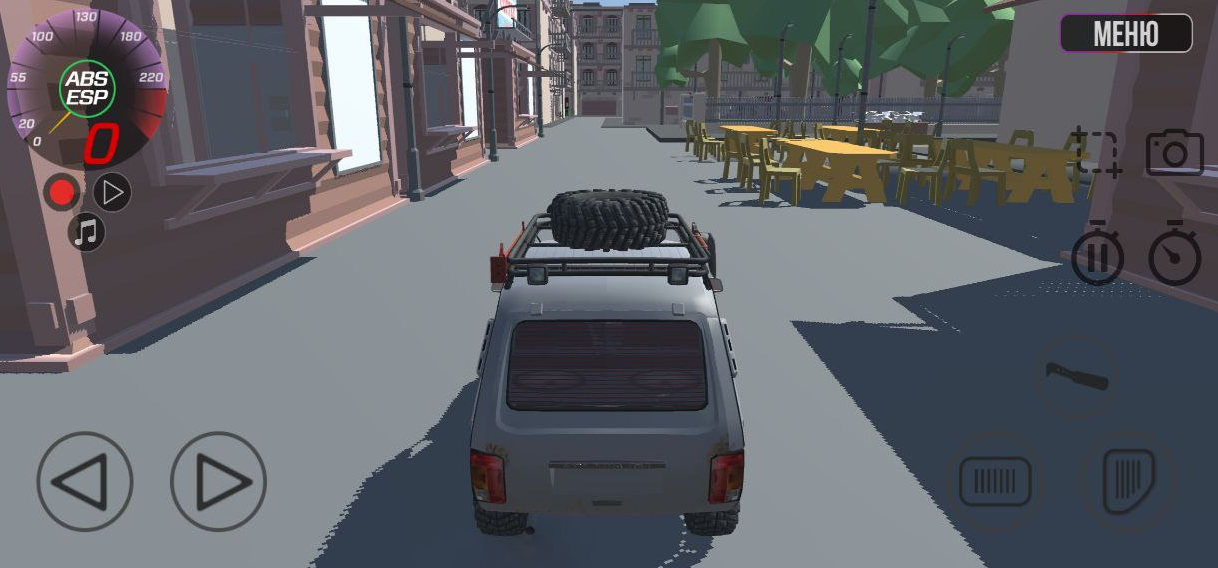
After installation, select the map and click Play — everything should work correctly.
If you encounter any issues, try searching online or experimenting with the settings. If that doesn't help, contact me at dizarmiyt@gmail.com — I'll do my best to assist.
If you would like the map to be downloadable directly in the game, send the Unity project archive to dizarmiyt@gmail.com. If the map is noteworthy, it will be added to the game!